Timesheet5.5.0
Publisher Description
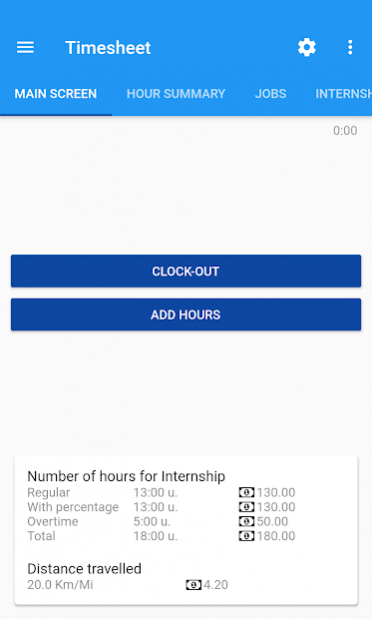
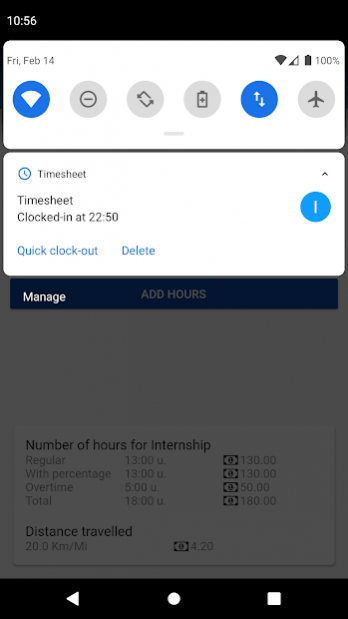
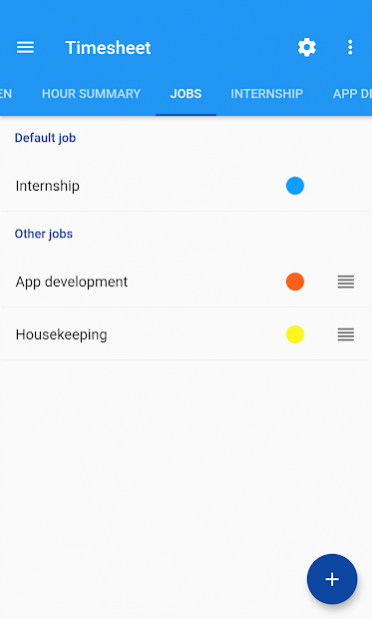
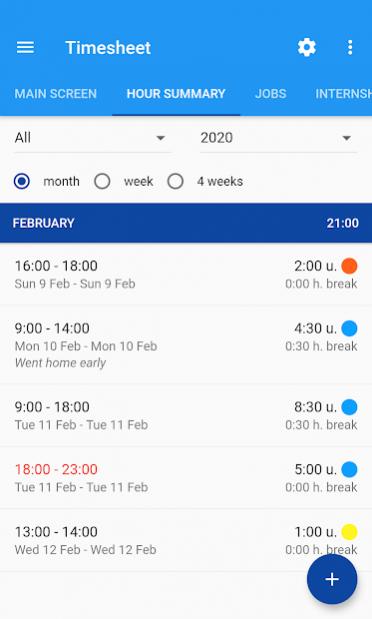
Timesheet is the best timesheet app. Registering your hours is easy to forget, but not with the Timesheet app. Keep track of your worked hours easily and automatically. Simply set some default values like your start time and days and you will automatically be clocked in. You will get a notification and can clock out with one click.
You can now also access your data online! Go to https://timesheet.website
Hours keeper features:
* Cloud synchronisation
* Multiple jobs
* Automatically turn off your sound
* Automatically clock-in for overtime
* Calculate the number of worked hours
* Calculate your salary
* Send your hours through the mail (cvs/excel, text and PDF)
* Print your hours
* Quick actions with the widget
Sony users must whitelist this app if using STAMINA mode.
Also other battery-saved must whitelist this app.
If you have any suggestions, let me know it! Through mail or below.
About Timesheet
The company that develops Timesheet is Robin Dijkhof. The latest version released by its developer is 5.5.0.
To install Timesheet on your Android device, just click the green Continue To App button above to start the installation process. The app is listed on our website since 2022-03-30 and was downloaded 5 times. We have already checked if the download link is safe, however for your own protection we recommend that you scan the downloaded app with your antivirus. Your antivirus may detect the Timesheet as malware as malware if the download link to robin.urenapp.paid is broken.
How to install Timesheet on your Android device:
- Click on the Continue To App button on our website. This will redirect you to Google Play.
- Once the Timesheet is shown in the Google Play listing of your Android device, you can start its download and installation. Tap on the Install button located below the search bar and to the right of the app icon.
- A pop-up window with the permissions required by Timesheet will be shown. Click on Accept to continue the process.
- Timesheet will be downloaded onto your device, displaying a progress. Once the download completes, the installation will start and you'll get a notification after the installation is finished.
Program Details
System requirements
Download information
Pricing
Version History
version 5.5.0
posted on 2022-03-30
Button to sort jobs alphabetically.
Option to export all jobs as single file or as multiple files.
Option te delete account
Bugfixes
version 5.4.7
posted on 2021-01-05
Fix some text label.
Radiobutton text is now clickable
Make it more clear when you are clocked-in
Small UI improvements
Fixed widget problem
version 5.3.0
posted on 2020-06-26
Search or create a new job when saving hours.
Bugfixes
version 5.1.3
posted on 2020-03-25
Fix for job ordering
Added 'All' export
Fix automatic clock-in
Faster login
App can now be used offline again
Redeveloped the app
Improved the PDF export
Bugfixes
version 5.1.1
posted on 2020-03-02
Added 'All' export
Fix automatic clock-in
Faster login
App can now be used offline again
Redeveloped the app
Improved the PDF export
Bugfixes
version 4.7.8
posted on 2019-06-10
Bugfix
